
Secure a booking deposit
Once a couple confirms their wedding date, send them a link for the photography deposit.

For merchants
From “I’ll take it” to a way to pay
Request a payment with a link you can share by message or email. Your customer opens it when they’re ready to pay.
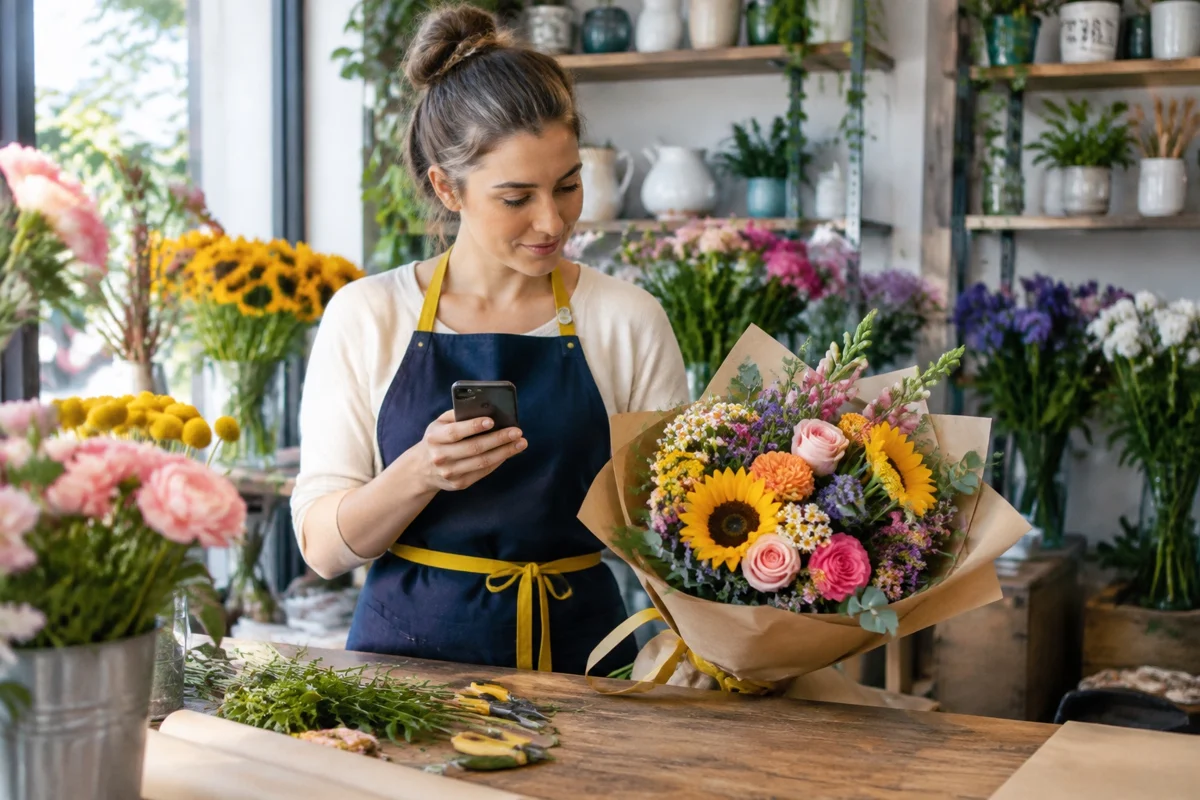
Share a payment link with the customer you’ve agreed the order with.
Add the link to the message where you confirmed the booking, price or order details.
Your customer can follow the link wherever they are.
A closer look
A customer messages your flower shop about a birthday bouquet. You agree on the flowers, the price and a collection time. Send a payment link in the same conversation, so their next step is as simple as opening your message.
Once a couple confirms their wedding date, send them a link for the photography deposit.

Agree on the design for a personalised gift, then share a link for the agreed price.
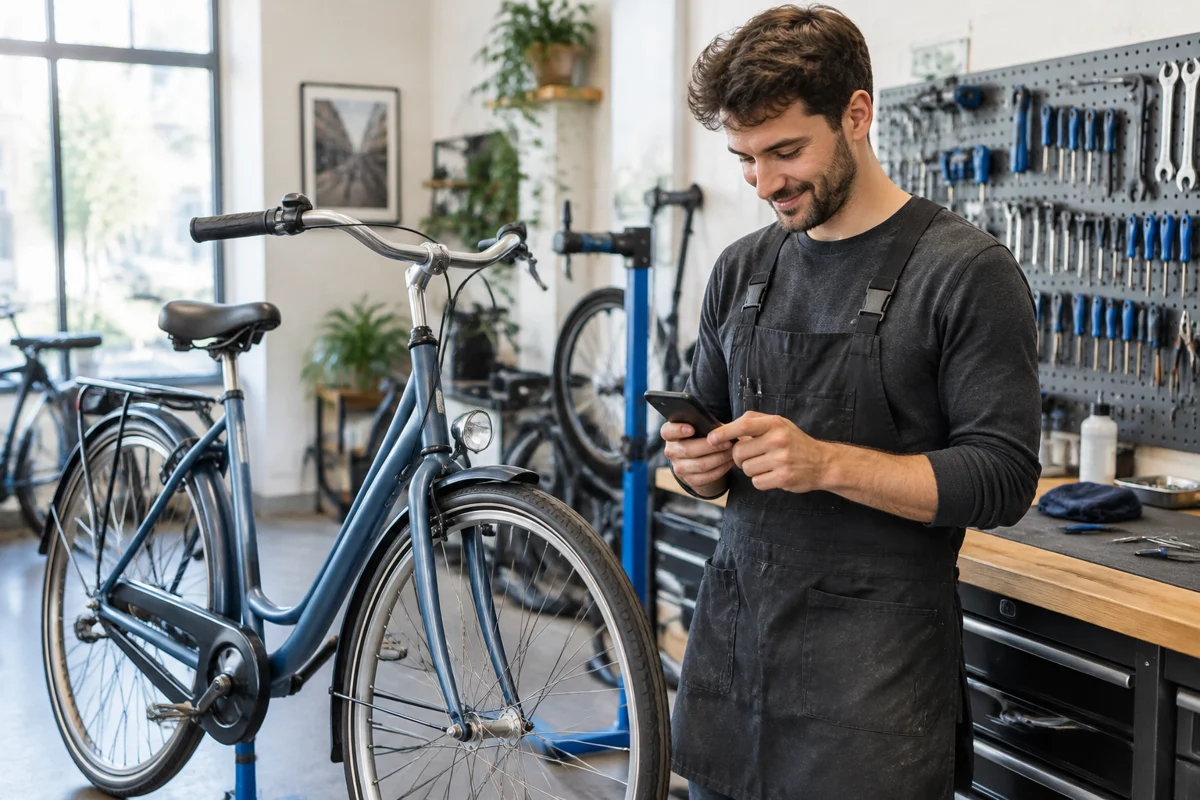
When a bike repair is finished, include a payment link in the message telling the customer it’s ready.
Accept contactless payments on your phone. Customers tap their card or digital wallet to pay you in person.
Take payments phone to phone. Show a QR code on your phone and let your customer scan it with theirs to pay.
Connect your website to Toonie so customers can pay by card or with Toonie at checkout.
Become a local ATM withdrawal point and earn on every withdrawal customers make at your business.
Create offers in Toonie that nearby customers can discover, whether they’re trying your business for the first time or coming back for a favourite.